
Per-category switches
Expired can be live while FSBO stays off. Nothing dials for a category you have not switched on.
Seller lead prospecting
Prospecting works when the calls actually get made, in the same way, every day. That is the part that slips first. An AI voice assistant runs your approved script across the list, keeps the notes, and stops when a person needs to take over.
Built with calling controls, do-not-call safeguards, category controls and workspace-level protections.
7-day trial · up to 50 AI calling minutes · no card required · calling stays off until you connect your own calling account.
Calling controls you configure yourself
Calling stays off until you connect your own calling account, review the script and switch that category on. Do-not-call suppression, consent records, calling-hour windows, daily caps and per-lead attempt limits are enforced on the server before a call is placed. You remain the caller of record and are responsible for the laws that apply to your outreach — no compliance outcome is guaranteed.
A prospecting session has a shape: an opening the homeowner does not hang up on, two or three questions that establish whether there is anything to talk about, a respectful response to the objection you hear most, and a clear next step. Most agents know the shape. What breaks is doing it two hundred times.
The assistant works from the same shape. It calls from your connected number, states that it is an AI assistant, asks the questions in your validated script, and records the answer to each one as a field on the lead. Interest becomes an appointment request or a transfer. A firm no ends the call. Everything else becomes a callback or a follow-up task with a reason attached.
Nothing here is automatic on your behalf. Each step is something you do once per list.
Upload a CSV export. Rows are normalized, phones ranked and duplicates collapsed on the way in.
Each row's category decides which script runs, so a mixed list keeps its per-lead routing.
Read the opening, the questions and the objection handling. Edit anything, then validate.
Eligible leads only. Anything suppressed, unconsented, out of hours or already tried today is held back.
These are checks the server runs before a number is dialed. They are not settings you hope someone remembered.
Expired can be live while FSBO stays off. Nothing dials for a category you have not switched on.
A playbook moves through draft, review and validated. An unvalidated script cannot be used to call.
Calls are placed through the calling account you connect, from your number. Workspaces never share credentials.
Internal suppression and imported do-not-call flags remove numbers from every queue.
Each workspace defines the window when calling is permitted. Outside it, the queue holds.
Daily call caps and one attempt per lead per day are enforced server-side, not in the browser.
The assistant identifies itself as an AI assistant and says why it is calling in one short sentence.
Short turns, no stacked questions, and no repeating something the homeowner already answered.
Not interested ends the call. Pushback gets one respectful response, not a rebuttal loop.
A request to be removed creates an internal do-not-call record and ends the conversation.
No valuations, no legal or tax advice, no guarantees, no data it was not given.
Real interest becomes an appointment request or a transfer to you, not a negotiation.
Being specific about the limits is more useful than a longer feature list.
You import the list you already own, check how each row was categorised, then decide whether to switch that workflow on.
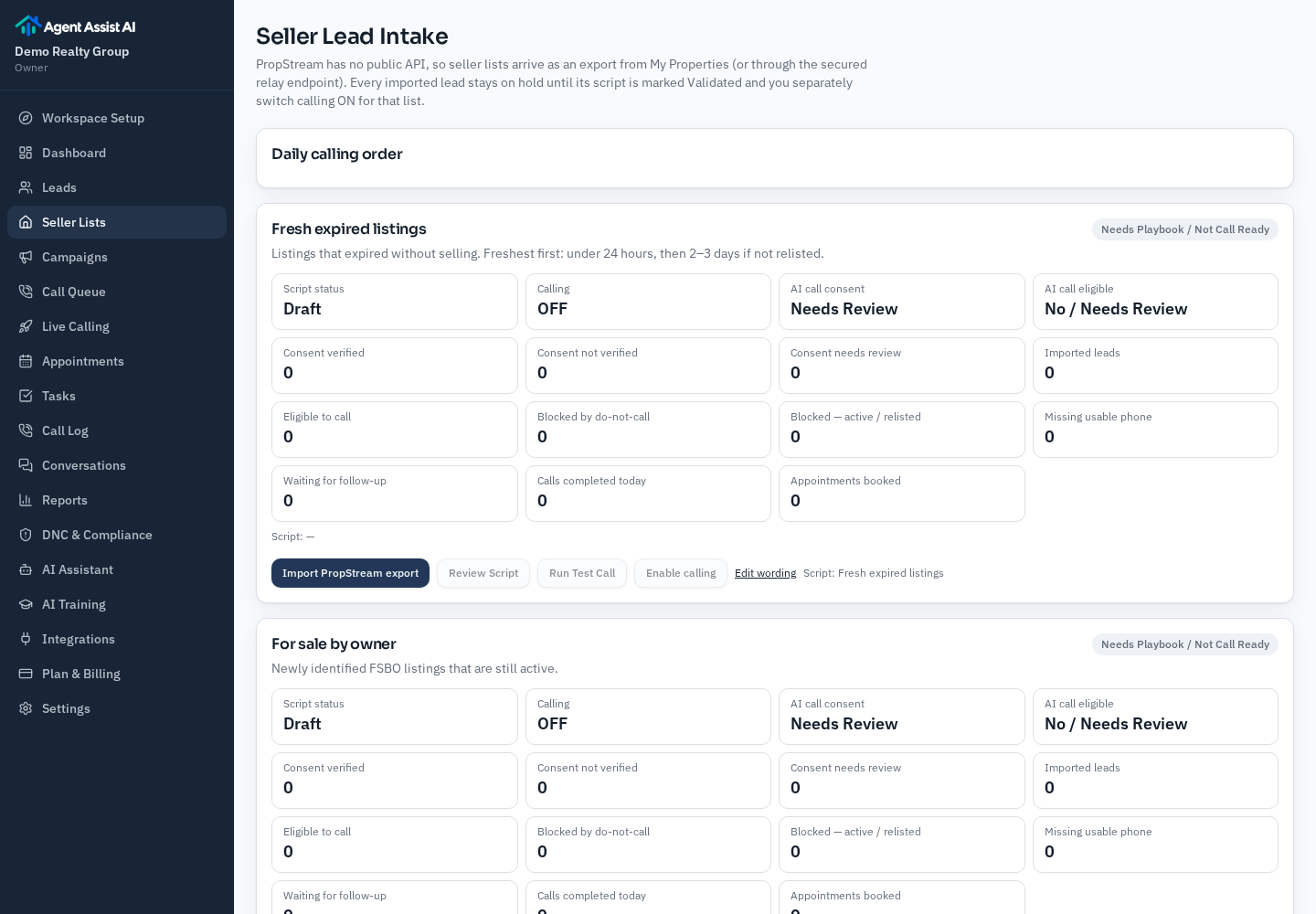
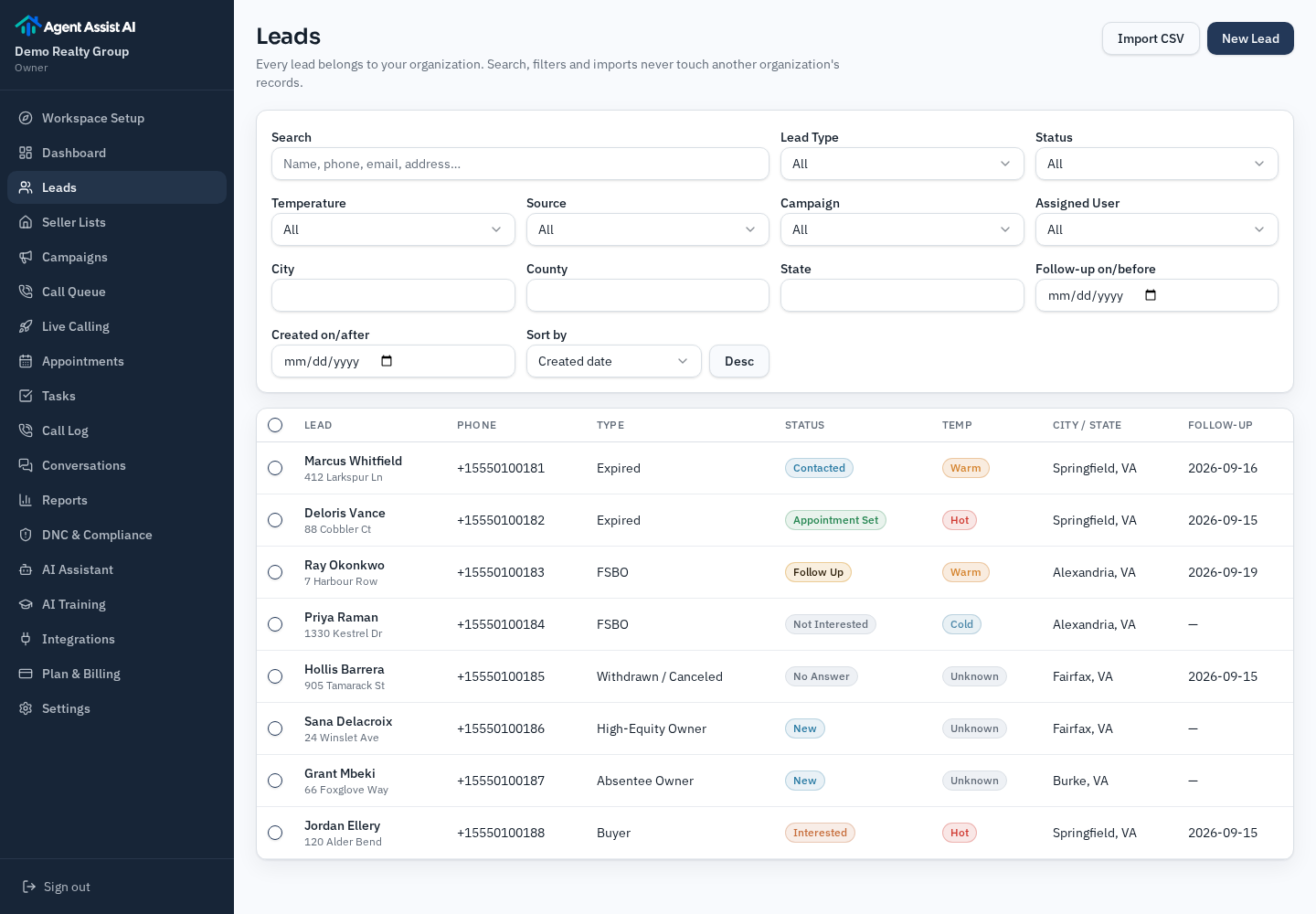
The scope of the product, stated plainly: you supply the lead lists, you review and enable each script, and every appointment time the assistant captures is a request you confirm.
Plans start at $99/month
Included AI calling minutes on every plan, with a stated per-minute rate after that. You bring your own lead lists and confirm every requested appointment time yourself.
Start a workspace, import a list and review the playbook. Calling only begins once you connect your own calling account and switch a category on.
7-day trial · up to 50 AI calling minutes · no card required.